
Zotero: send papers with their summaries, and keep a collection in sync
Your references live in Zotero, and you read papers elsewhere. SummarizePaper writes into your Zotero library: a paper with its summary, a collection kept in sync both ways, the findings of your bibliography check and your literature review. Saving a paper needs no account at all; the direct connection is Premium.
The examples use the collection Gas in debris discs of our other guides: three papers on the gas of debris discs, each with a note, tags and a reading status, sent to a real Zotero library and shown in Zotero 10.
1. Save a paper, free
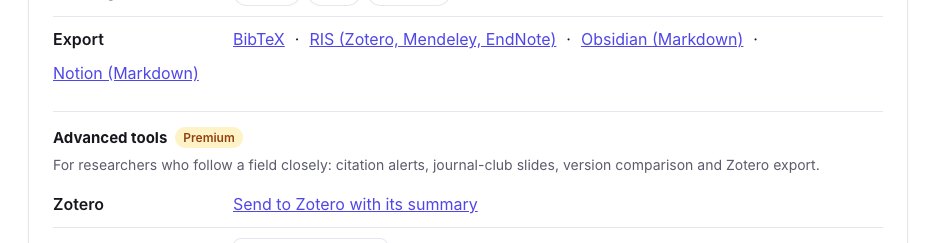
On every paper page, the Zotero Connector of your browser recognises the paper and saves it with its metadata. Under Tools for this paper, Export also gives the RIS file, which Zotero, Mendeley and EndNote import; it holds the reference and the original abstract. A paper published since its preprint is exported as its published version, with its journal and DOI, and its arXiv identifier kept.
2. Connect your library
On the integrations page, click Connect my Zotero library: Zotero asks you to log in and to allow SummarizePaper to read and write your library and your groups. No key to copy. You can also paste a private key you create on zotero.org, with write access.
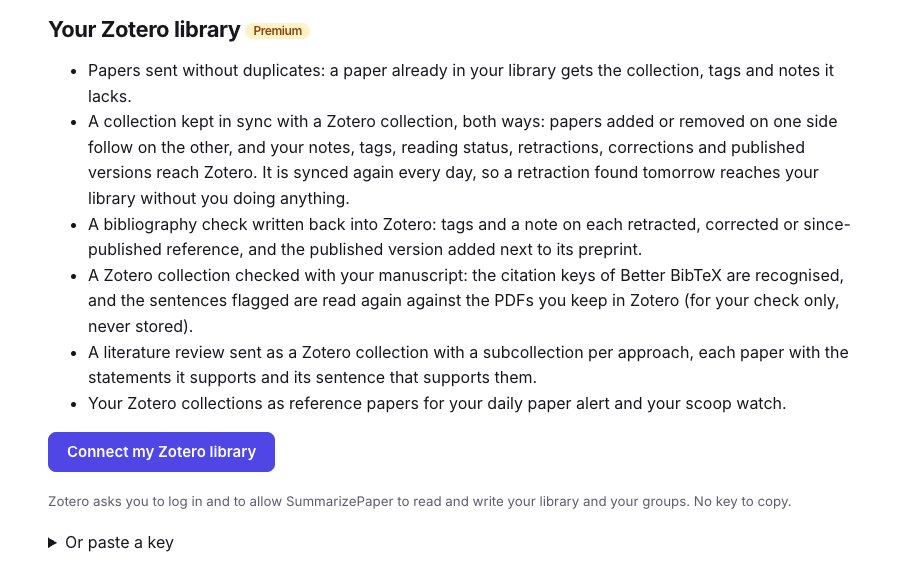
Once connected, choose the library used (yours or a group you may write to) and the Zotero collection single papers go to. The page lists your Zotero collections, to open one as a collection here or to check its references.
3. Send a paper with its summary
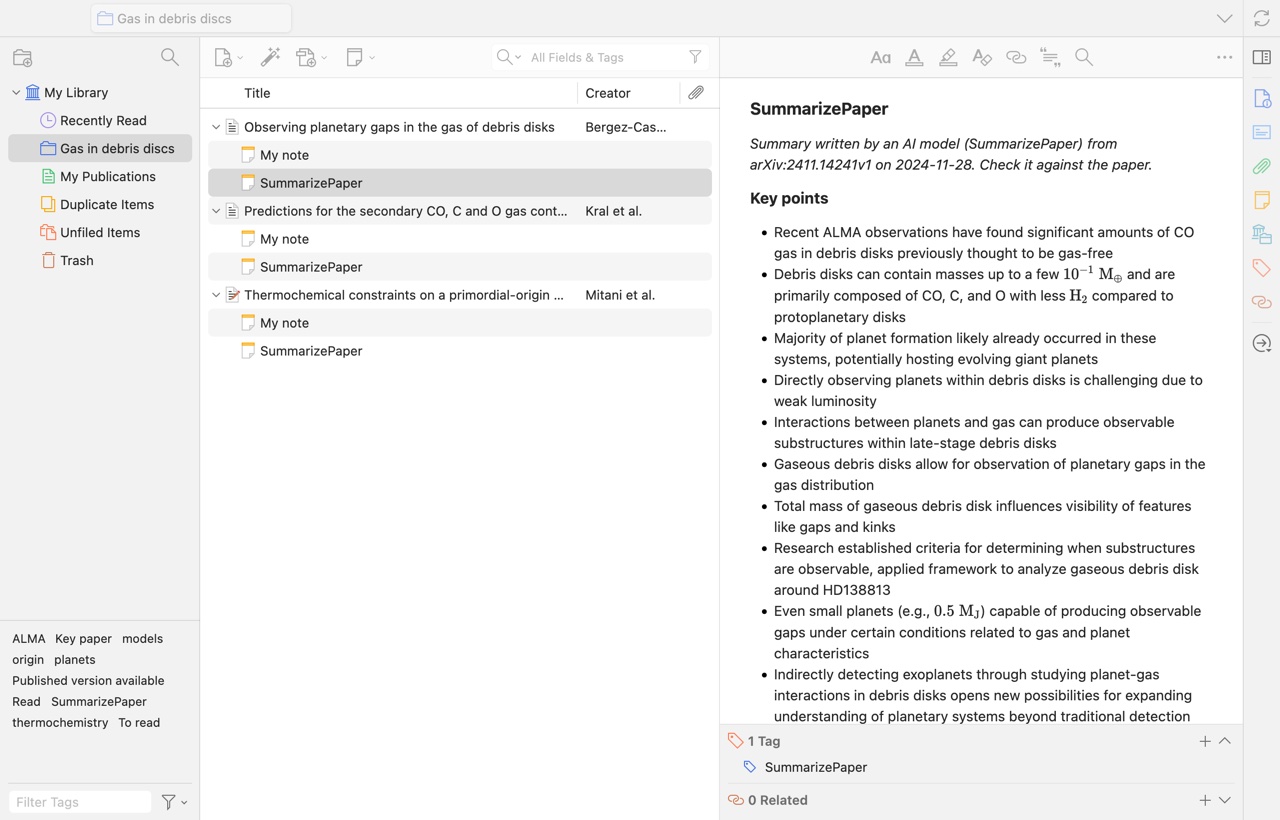
Send to Zotero with its summary creates the item, as its published version when there is one, with a note holding the AI summary and the key points. The note says it was written by a model, from which version of the paper and when; your own note is a note apart. A paper already in your library is not duplicated: it gets the collection, tags and notes it lacks. The item carries our citation key, in Zotero's Citation Key field and pinned for Better BibTeX, so your \cite commands match the .bib of our exports. Formulas in the summary are displayed by Zotero's note editor.
4. Keep a collection in sync, both ways
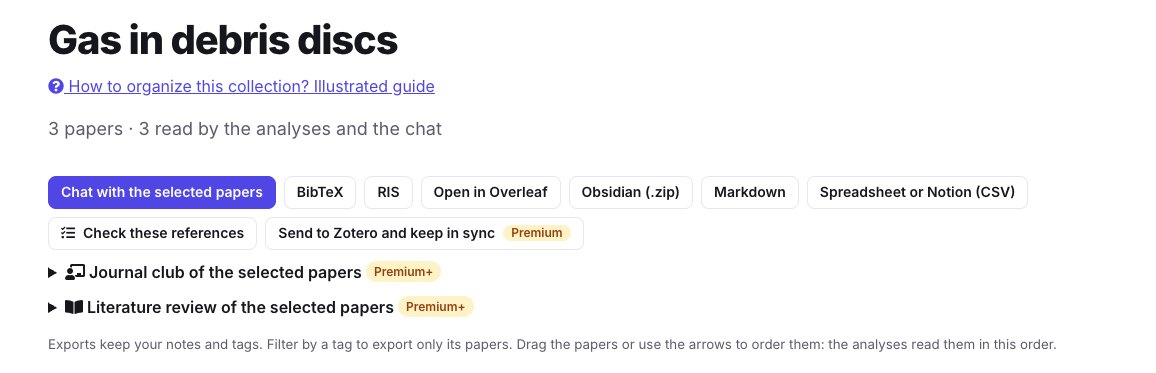
In a collection, Send to Zotero and keep in sync creates a Zotero collection, or links one, and keeps them together:
- papers added on either side reach the other; a paper removed on one side leaves the other (the Zotero item stays in your library);
- your notes, tags and reading status go to Zotero, as notes and tags;
- retractions, corrections and published versions found later reach your library too: the collection is synced again every day, without you doing anything.
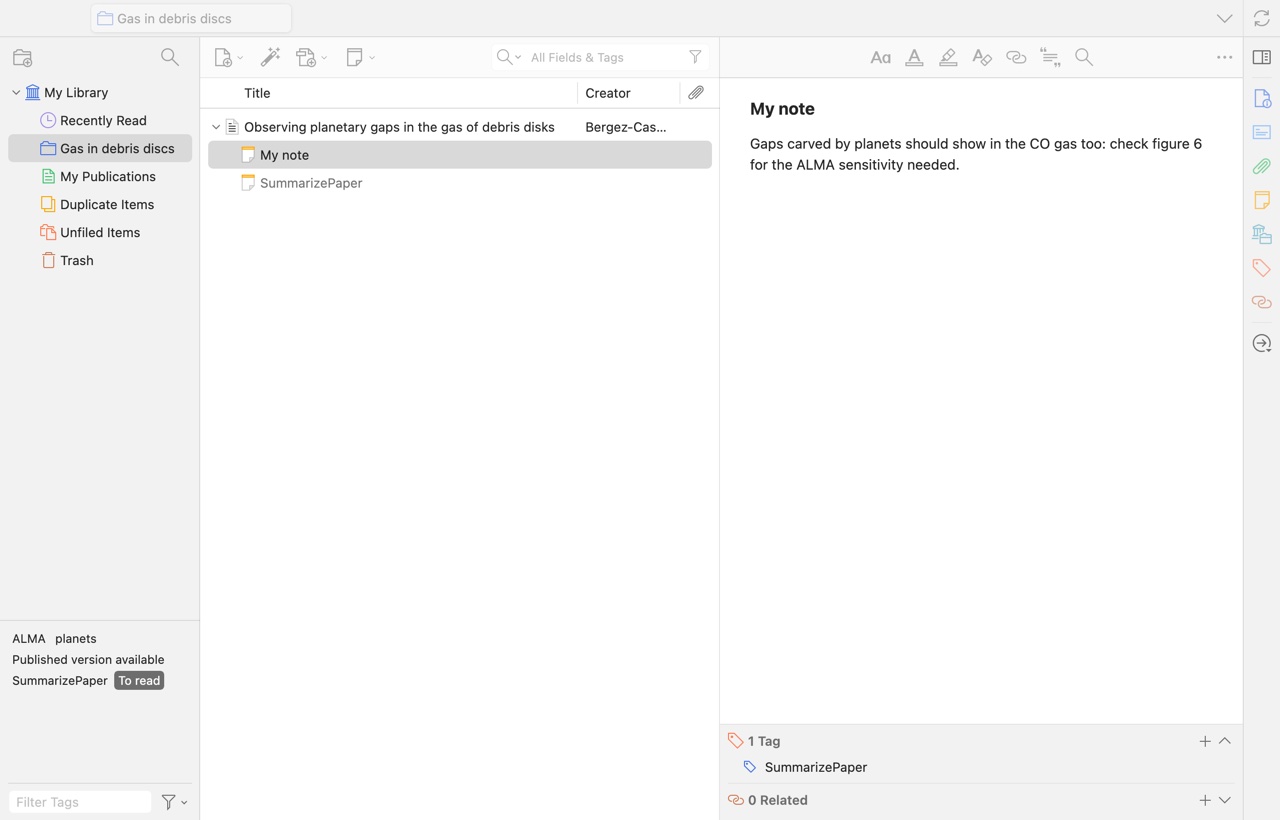
In Zotero, the collection has the same name and the same papers, each with its two notes, SummarizePaper and My note; the item keeps its journal, DOI and citation key:
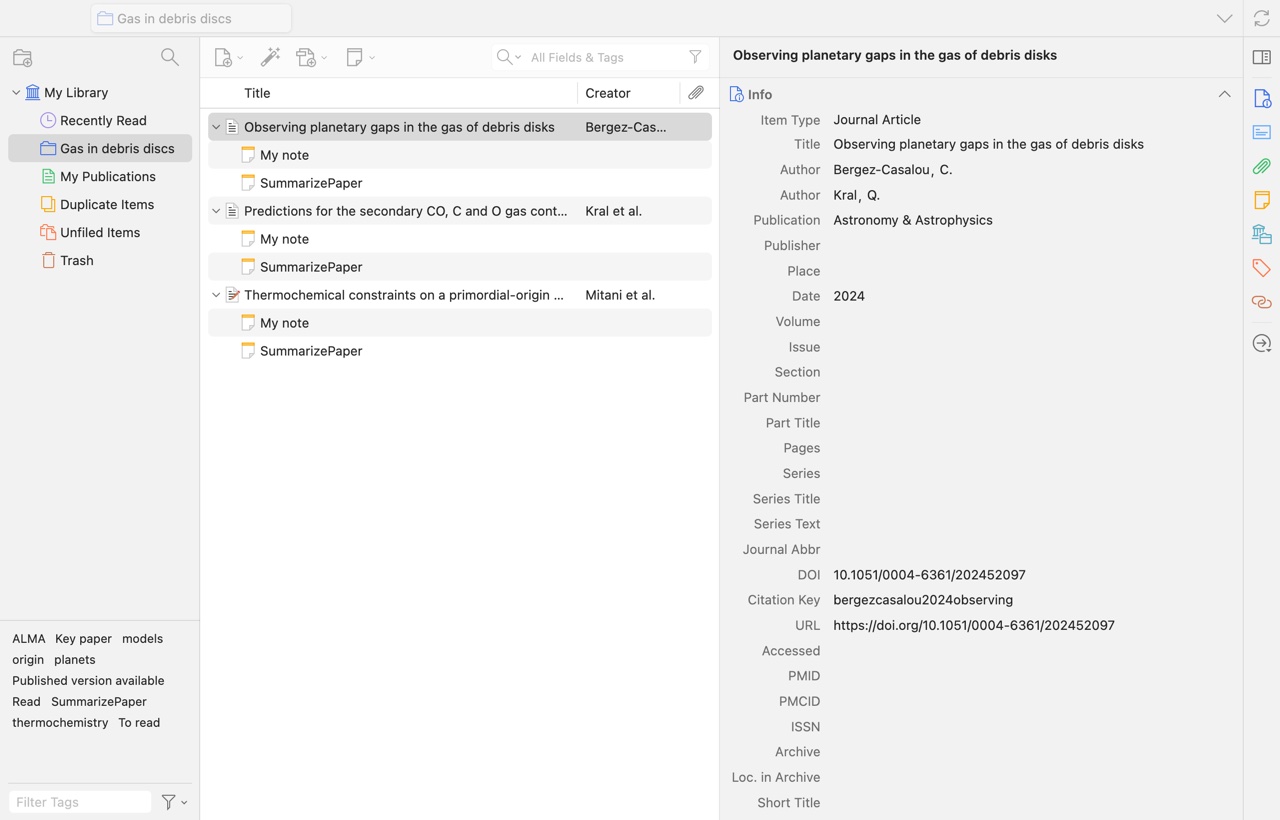
The reading status becomes a tag (To read, Read, Key paper) next to your own tags: click it in Zotero's tag selector to see what is left to read.
The other way round, a Zotero collection opens here with From Zotero, under Add papers: you can then chat with its papers, compare them in a table, find the papers it may be missing or write its literature review, and it stays in sync.

5. Your results, written into Zotero
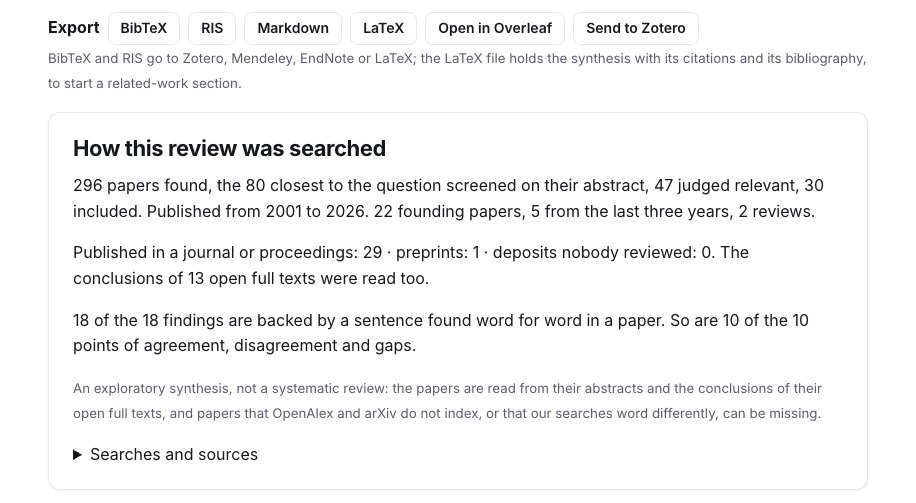
- Bibliography check: on each retracted, corrected or since-published reference, tags and a note in your library, and the published version added next to its preprint. A Zotero collection can also be checked with your manuscript: the citation keys of Better BibTeX are recognised, and the flagged sentences are read again against the PDFs you keep in Zotero, for your check only, never stored. See the Overleaf and bibliography guide.
- Literature review: a Zotero collection with a subcollection per approach, each paper with a note holding the statements it supports and its sentence that supports them. See the literature review guide.
- What did I miss?: the close papers your draft does not cite, without those you marked already cited or not relevant. See its guide.
Your Zotero collections can also serve as the reference papers of your daily paper alert and of your scoop watch: the new papers are ranked by closeness to them.
Without Premium
The RIS and BibTeX exports are free, on every paper and on every collection, and the Zotero Connector works on every paper page. A collection's .bib can also be linked in Overleaf, free; see the Overleaf guide.