
What did I miss? The close papers your draft does not cite
The referee who writes "the authors should discuss the work of…" has usually found a paper close to yours that your draft does not cite, often because it uses other words for the same thing. What did I miss? (Premium) reads your draft and its references, searches for the closest papers it does not cite, and says for each one whether a referee would expect it, how to position yourself, and the sentence of your draft where to cite it.
To show it on a real case, we gave it a paper as if it were a draft: Bergez-Casalou & Kral (2024), on planetary gaps in the gas of debris discs, published in Astronomy & Astrophysics under a CC BY license. The screenshots show the search of 10 November 2026.
1. Give your draft
Open What did I miss? and drop the PDF of your draft, or paste its text: the title, abstract, introduction and references are enough. Add its .bib if you have one: every reference is then recognised exactly. You can also have the same .bib checked by the bibliography check.
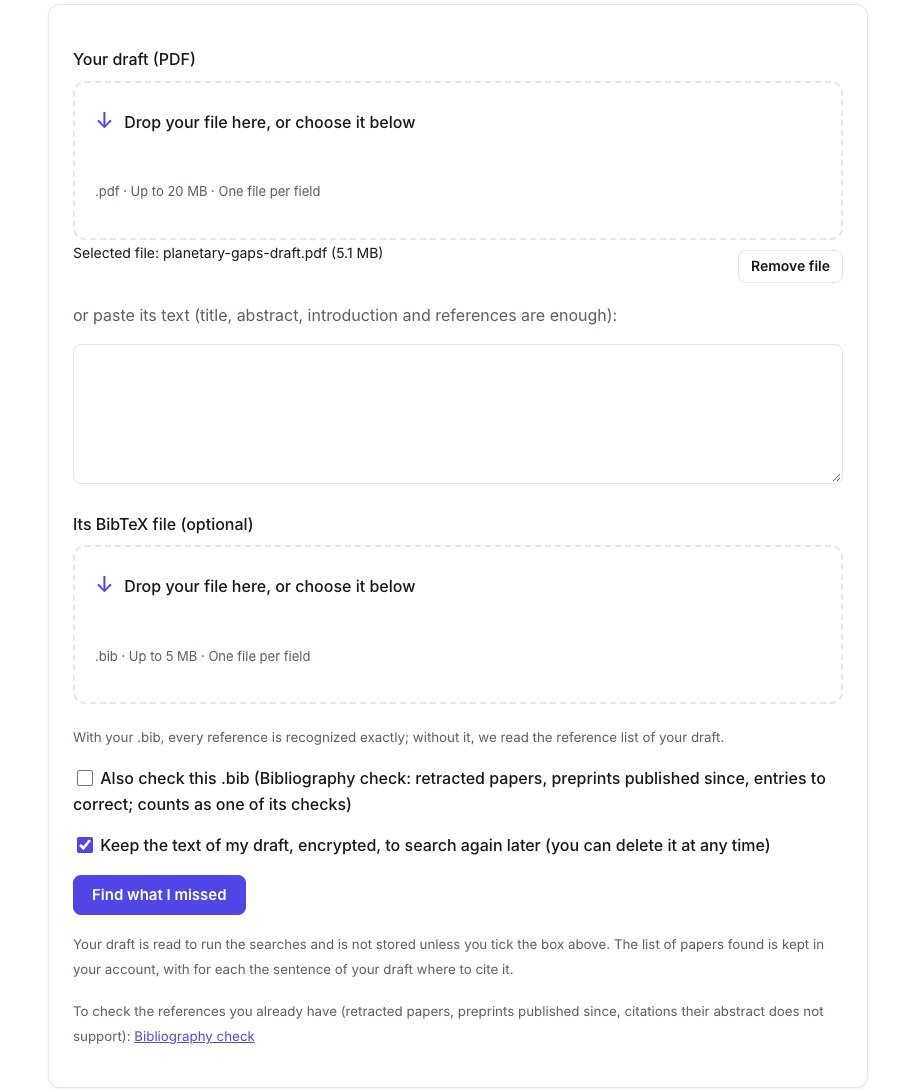
Tick Keep the text of my draft to search again later without sending it again: it is stored encrypted and can be deleted at any time. Otherwise it is read for the searches and not stored. Our search took two minutes.
2. What was searched
The result starts with what was searched. For our paper: 114 references read in the draft, 65 of them found in the citation graph; 319 papers found by the searches, 31 of which the draft already cites. The queries, written from the question, method and data of the draft, are under The queries we ran.
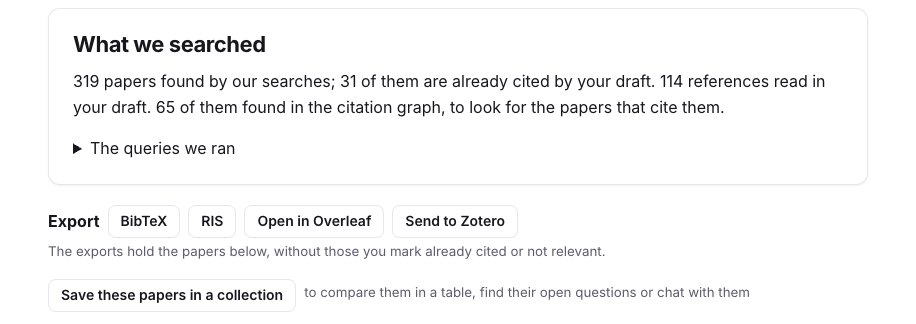
Besides the searches, the candidates include the papers that cite several of your references, which finds work written with other words, and the founding papers the closest candidates cite most often. Retracted papers, the draft itself and the papers it cites are left out. A reference printed without a title is matched by its first author and year: here 19 papers were set apart as probably cited already, to check rather than to add.
3. The papers to cite
The papers are grouped by how much a referee would expect them: Should be cited (8 here), Worth a look (20) and Related (2). Each one says what kind of relation it has with the draft (an earlier result, a data set or tool, a competing method, the same question, a review), how many of your references it cites, then:
- what it does, read against your draft;
- How to position yourself against it;
- Where to cite it: the section and the sentence of your draft, kept only when found word for word;
- the sentence of its abstract that supports the relation.
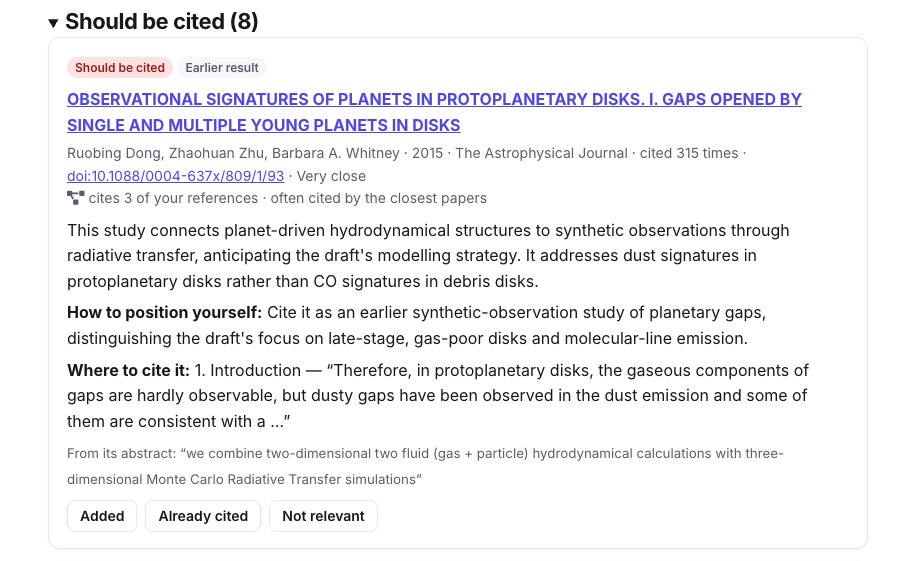
Many of the papers proposed here study gaps in protoplanetary discs: the draft compares them with debris discs, and the advice is to cite them as earlier work while saying what differs. Others are close in their data: the vertical structure of gas and dust in four debris discs, to cite where the draft sets up its radiative transfer.
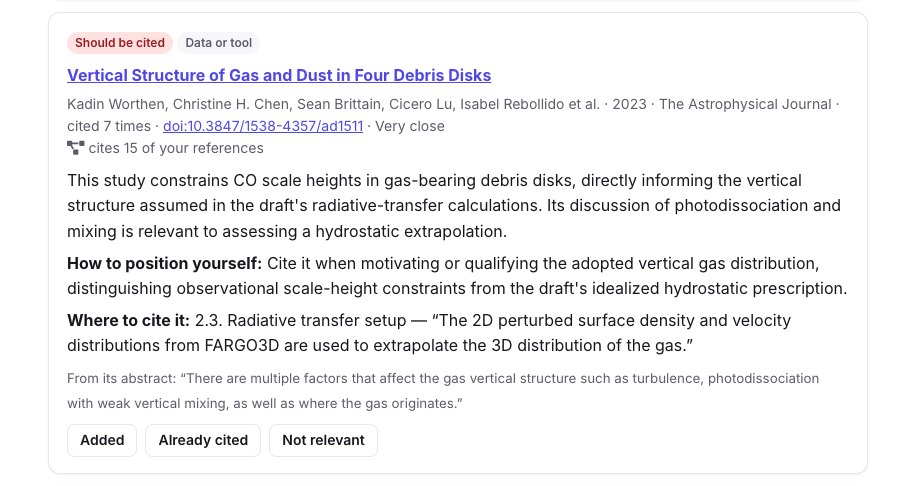
We checked a few of them against the reference list of the paper: it cites two papers by Izquierdo et al. (2021 and 2023), but not the 2022 one proposed here, nor Isella et al. (2016) or Hughes et al. (2017). The list is a set of candidates to judge, not a verdict: mark each one Added, Already cited or Not relevant. The exports leave out those marked already cited or not relevant, and a new search of the same draft leaves them out too.
4. Export, and search again before resubmitting
- BibTeX and RIS: the papers kept, for your
.bibor your reference manager; Open in Overleaf creates a project that prints them, to copy the entries you want (Overleaf guide). - Send to Zotero, with a connected library (Zotero guide).
- Save these papers in a collection, to compare them in a table or chat with them.
With the text kept, Search again before resubmitting: the papers this search had not found are marked New, and those you set aside stay aside.
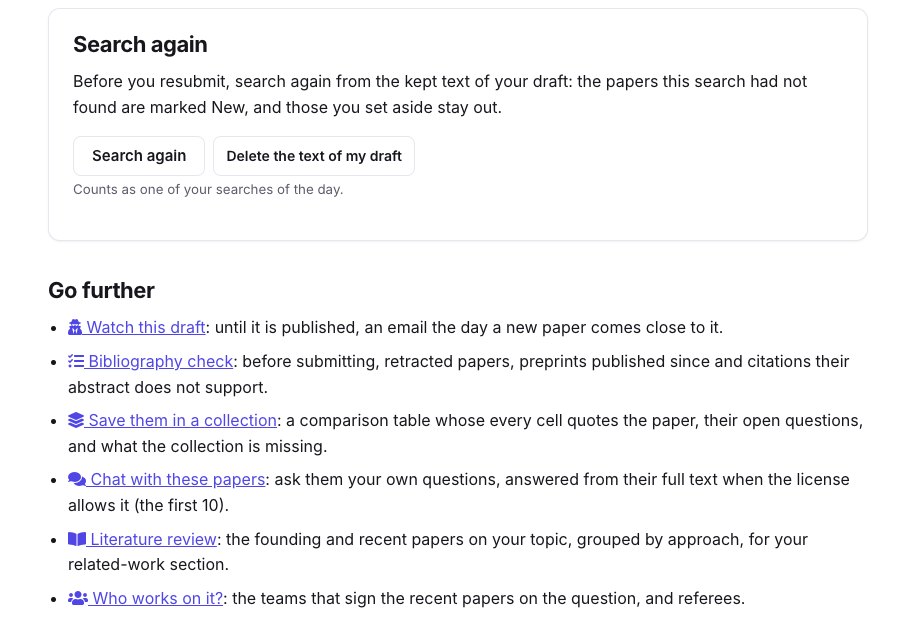
Go further follows the draft until it is published: Scoop watch emails you the day a new paper comes close to it, and Who works on it? gives the teams on the question, and possible referees.
Limits
- The search reads the beginning of the draft and its references, not every paragraph: a paper close to a section deep in the draft can be missed.
- Two searches of the same draft can differ a little: our French search proposed 10 papers to cite, not 8, among them some of the same ones.
- A paper absent from OpenAlex and arXiv, or from a field they index poorly, cannot be found.