
Journal club: slides from a paper, each point with its passage
Preparing a journal club takes an evening: read the paper again, choose the figures, write the slides, guess the questions. The journal club (Premium+) writes the slides for your audience and the length of your talk, each point with the passage of the paper that supports it, the earlier work, where the paper stands and the hard questions to prepare. You then edit them, present them and export them.
This guide follows a real deck, written on 10 November 2026, on Huet, Kral & Manchon (2026), Water gas discs in exo-asteroid belts, a paper under a CC BY license: its full text and its figures could be used.
1. Choose a paper and your audience
Open the journal club and search for the paper, or open its summary page and choose the journal club in Tools for this paper.
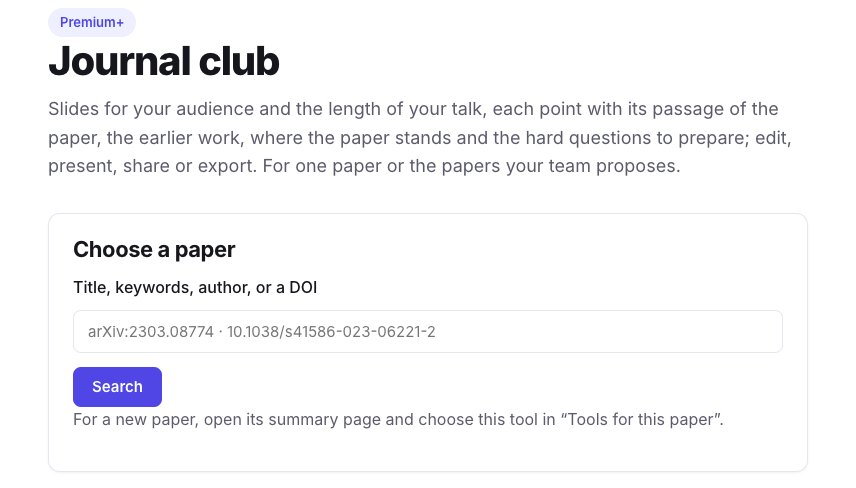
Choose the language of the slides, the audience (researchers of the field, students new to the topic, researchers of another field) and the length of the talk (10, 20 or 45 minutes): they set the share of context, the level of detail and the number of slides. Each set of settings gives a deck of its own, and the others are kept. Ours, for researchers of the field and 20 minutes, took under a minute and has 15 slides.
2. Check each point against the paper
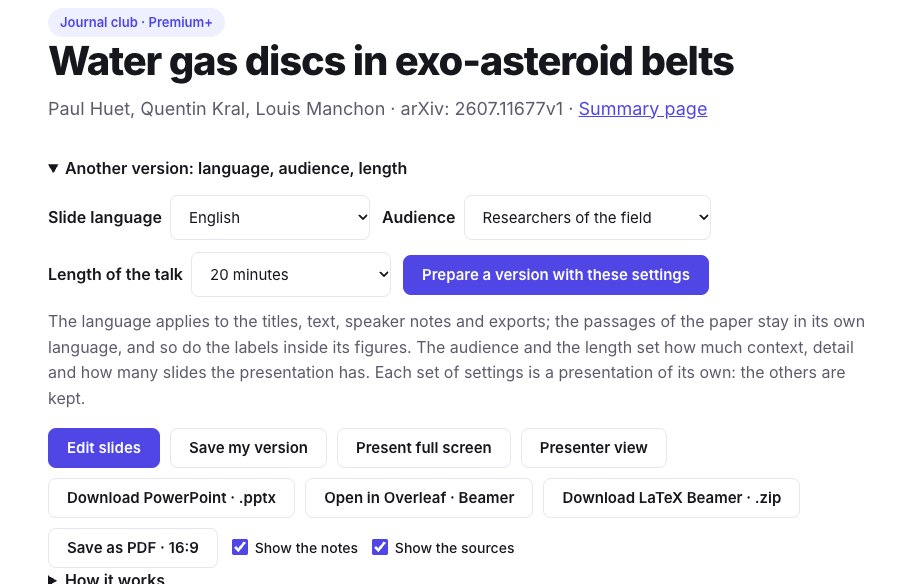
Each slide holds a few points, a figure of the paper when it helps, and the speaker notes. Under it, Sources says how many of its points were found in the paper: each one with its kind (result, method, interpretation, context), the passage of the paper, its section, and a link to open it in the paper.
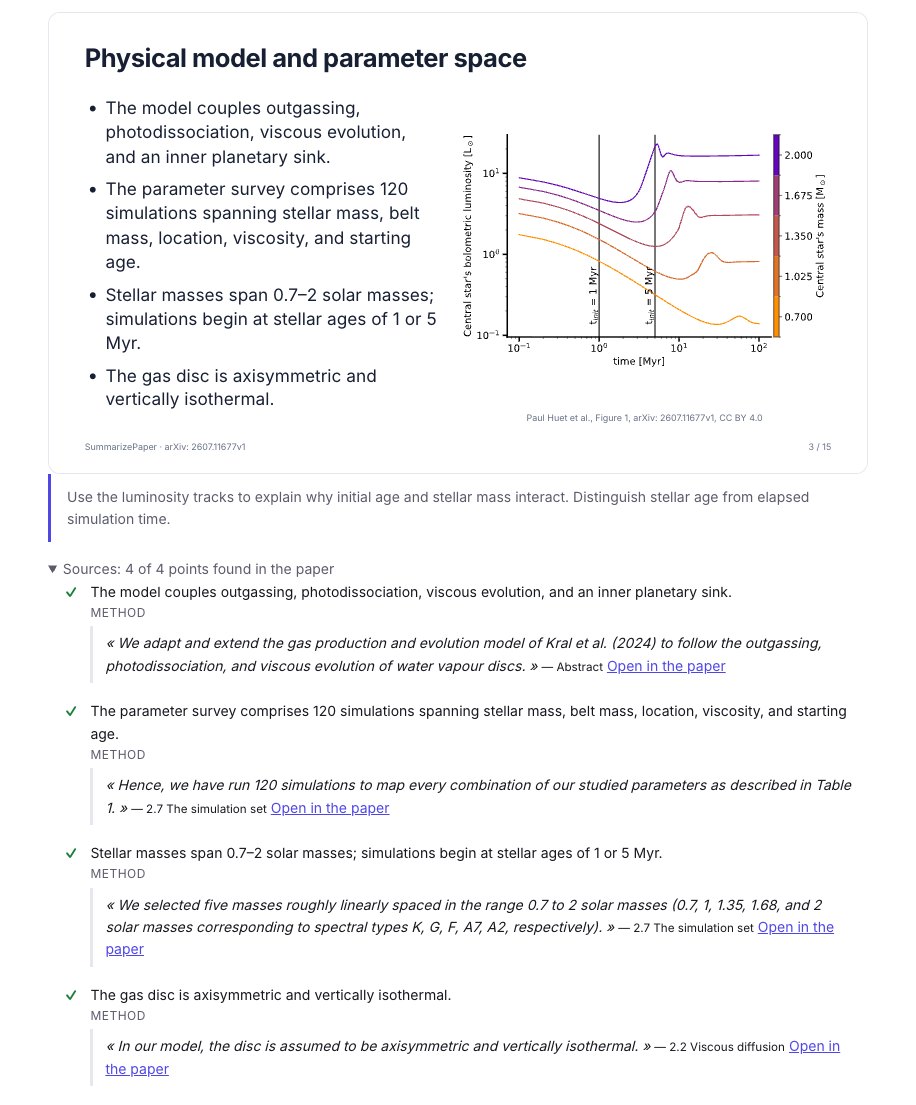
A point whose passage is not in the paper, or that gives a number the paper never states, is marked for you to check. In our deck, the slide comparing the paper with earlier research has 0 of its 3 points found in the paper: it is written from the earlier papers, not from this one, and says so.
The last slides are not left to the model alone:
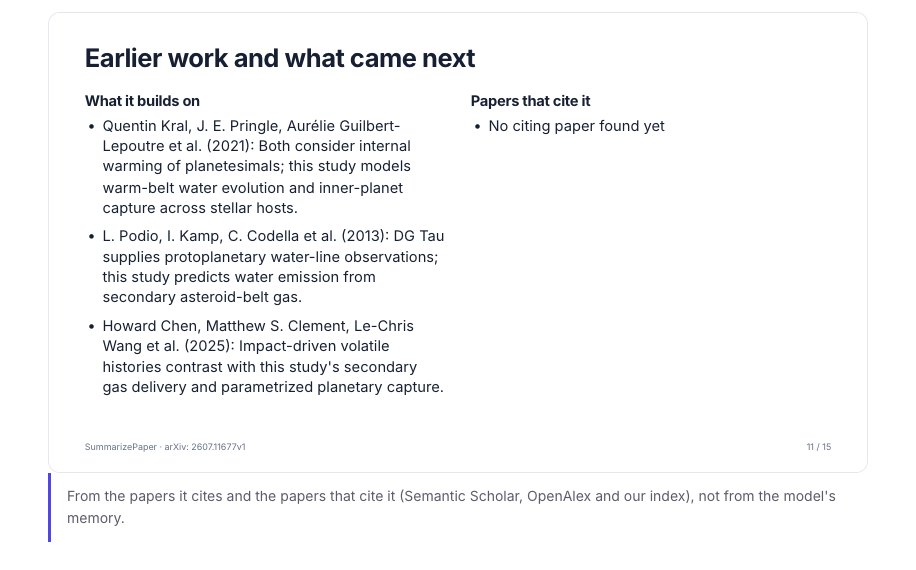
- Earlier work and what came next comes from the papers the paper cites and those that cite it, never from the model's memory;
- Where the paper stands comes from Crossref and arXiv: here, published in Astronomy & Astrophysics on 21 September 2026, with its DOI; a retraction, a correction or a newer arXiv version would be shown there;
- Strengths and limits puts the limits the authors state, each with its passage, apart from the points to discuss, which are the model's own reading and say so.
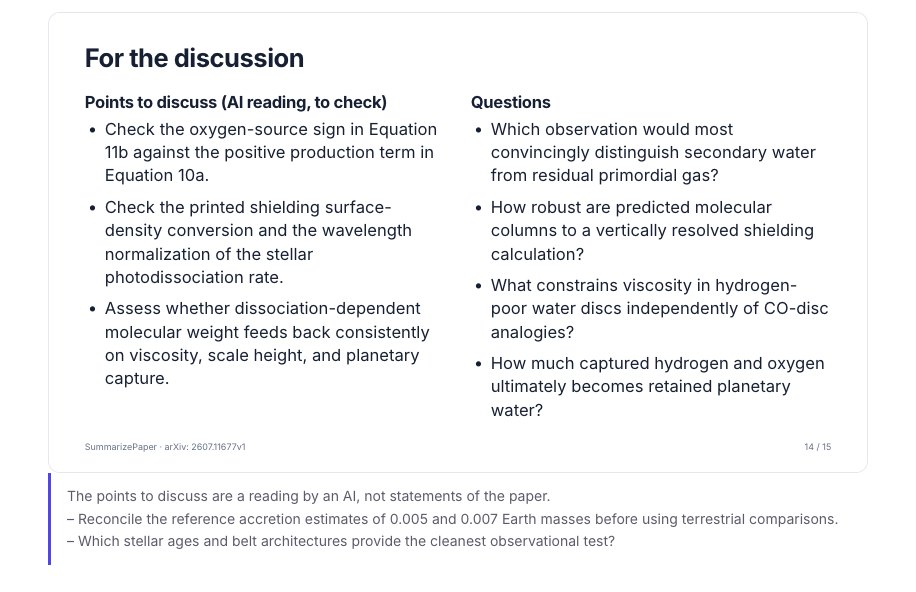
3. Prepare the hard questions
Under the slides, The hard questions to prepare lists what the audience is likely to ask, with what the paper lets you answer. A passage is shown only when it really is in the paper; otherwise the answer says to check it before giving it. Ask the paper another question opens the chat on the paper.
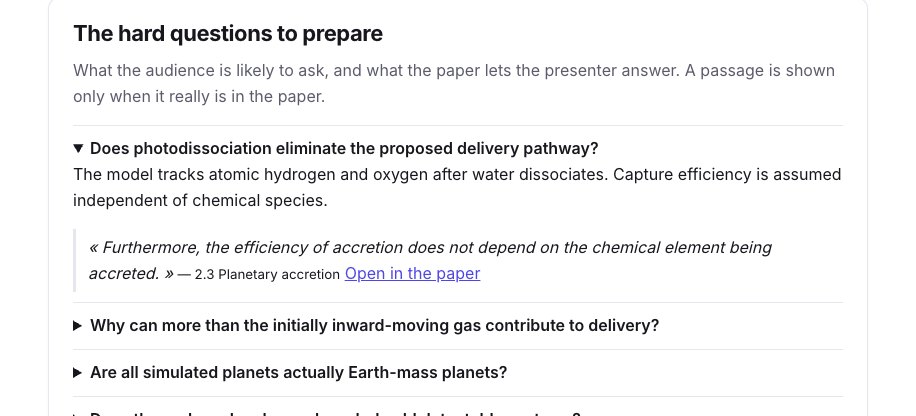
4. Edit the slides
Click Edit slides. For each slide you can move it, duplicate it, add a slide after it or remove it; change its title, its points and its notes; choose the text size, another figure of the paper, its position and its size; and ask the model to rewrite it shorter, simpler, more technical, or to write its speaker notes. Save my version: your edits are private, and the deck everyone else gets stays as it was written.
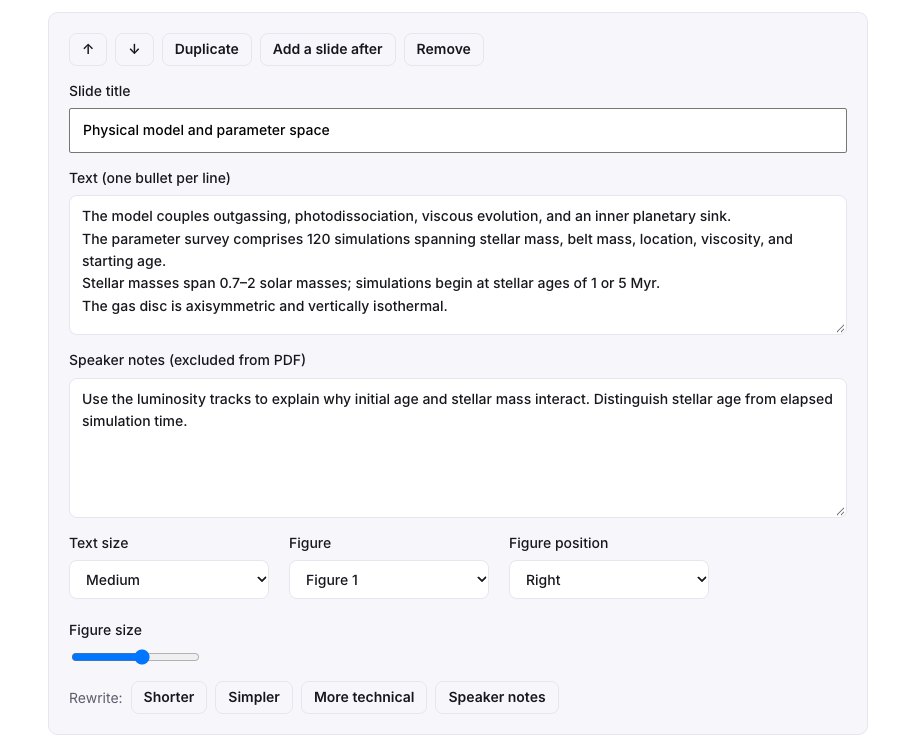
5. Present, export, share
- Present full screen, or Presenter view: your notes, the next slide and a timer on your screen, the slides on the projector.
- Download PowerPoint, Save as PDF (16:9), or LaTeX Beamer, as a
.zipor as a new Overleaf project with the figures of the paper and your notes; see the Overleaf guide. - Share with the participants: a read-only link to your saved version, with the slides, the sources and the hard questions, for 90 days and without an account.
Present the papers your team proposes
A journal club often discusses several papers. In the tools of a paper page, in your daily paper alert or in a weekly letter, Propose for the journal club adds the paper to a collection your team shares: invite your colleagues to the collection so that everyone proposes papers, sorts them and leaves notes.
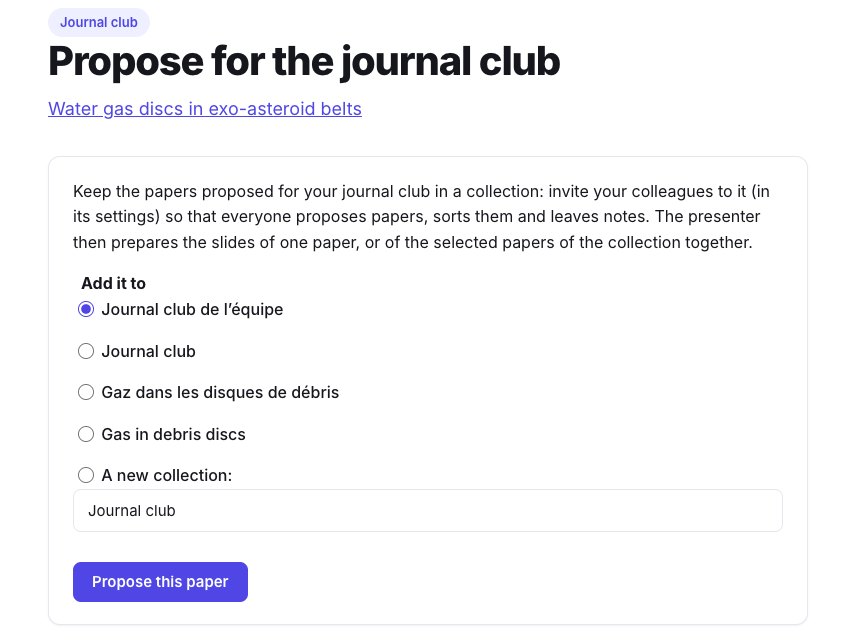
The presenter then opens the collection and chooses Journal club of the selected papers (6 at most, in the order of the collection).

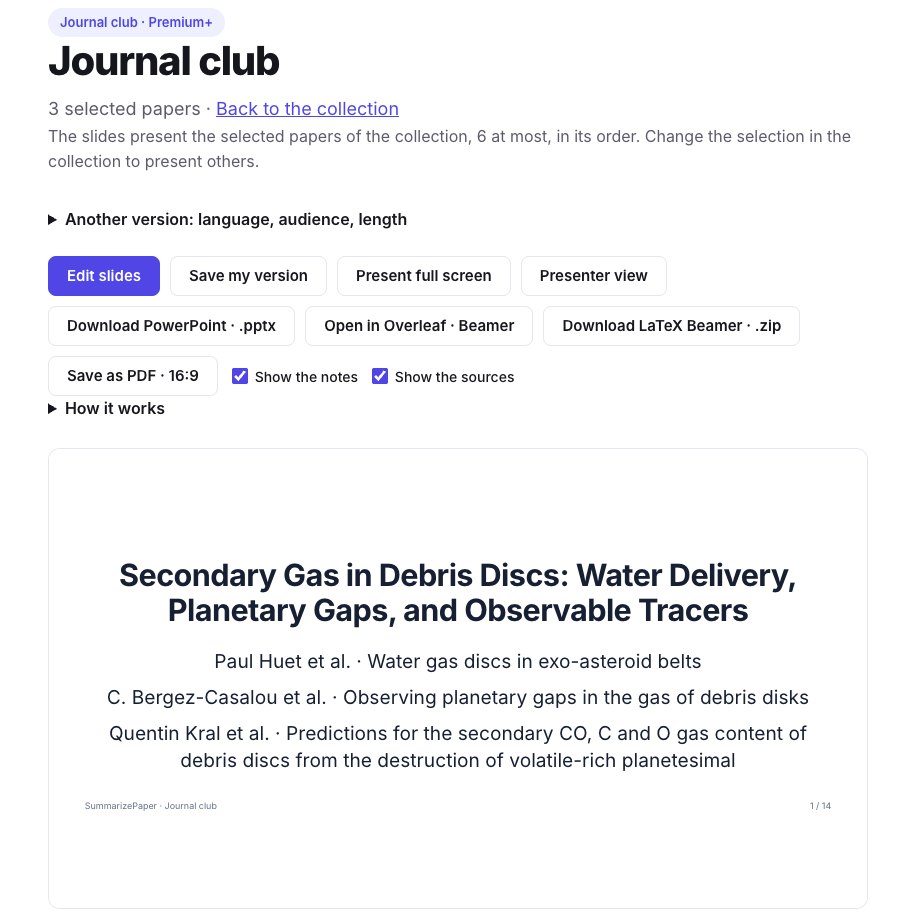
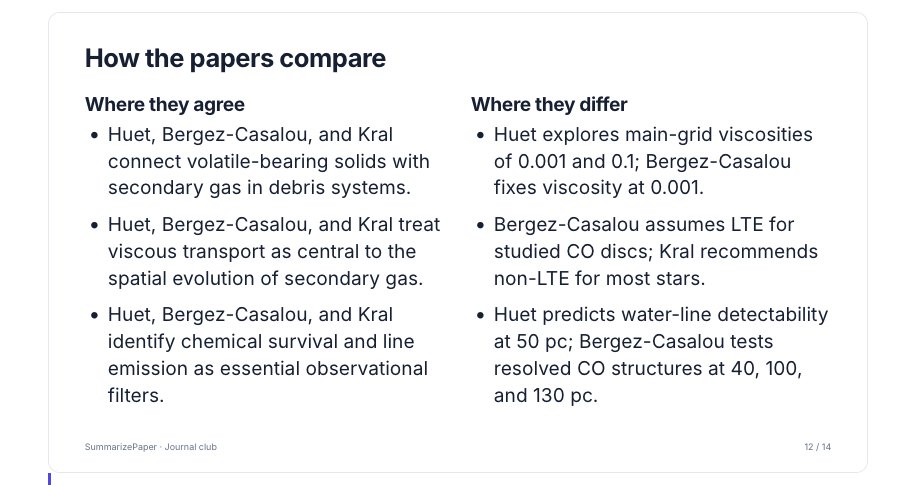
We made one with three papers on secondary gas in debris discs: the water gas discs, the planetary gaps in the gas (Bergez-Casalou & Kral 2024) and the predictions of CO, C and O (Kral et al. 2017). The deck presents each paper in turn, then how the papers compare: where they agree and where they differ, each point naming the paper it comes from.
Limits
- Under a license that lets us read only the abstract, the deck is short (3 or 4 slides) and says what the abstract does not tell.
- Points without a passage, and the points to discuss, are the model's reading: check them before presenting.
- LaTeX sets the text with other fonts than the page: a long slide is scaled down in Beamer, and Overleaf's log names those reduced by more than a tenth.
FAQ
Where do the points of the slides come from?
Are the figures those of the paper?
Can I present several papers?
Which formats can I export?
Sources
- Huet, Kral & Manchon (2026), Water gas discs in exo-asteroid belts — arXiv:2607.11677 (CC BY 4.0)
- Bergez-Casalou & Kral (2024), Observing planetary gaps in the gas of debris disks — arXiv:2411.14241
- Kral et al. (2017), Predictions for the secondary CO, C and O gas content of debris discs — arXiv:1703.10693